 EstateMate
Who to contact: your estate or EstateMate
EstateMate makes the app and your estate runs your community. See who to contact about leaks, levies, neighbours, registration approval or the app.
- Contact your estate about your home or community: leaks, repairs, refuse, levies, neighbours, noise and clubhouse hire.
- Your estate also reviews your registration.
- Contact EstateMate at support@estatemate.co.za about the app itself: registering, logging in, the app not opening, or an error message.
Who to contact: your estate or EstateMate
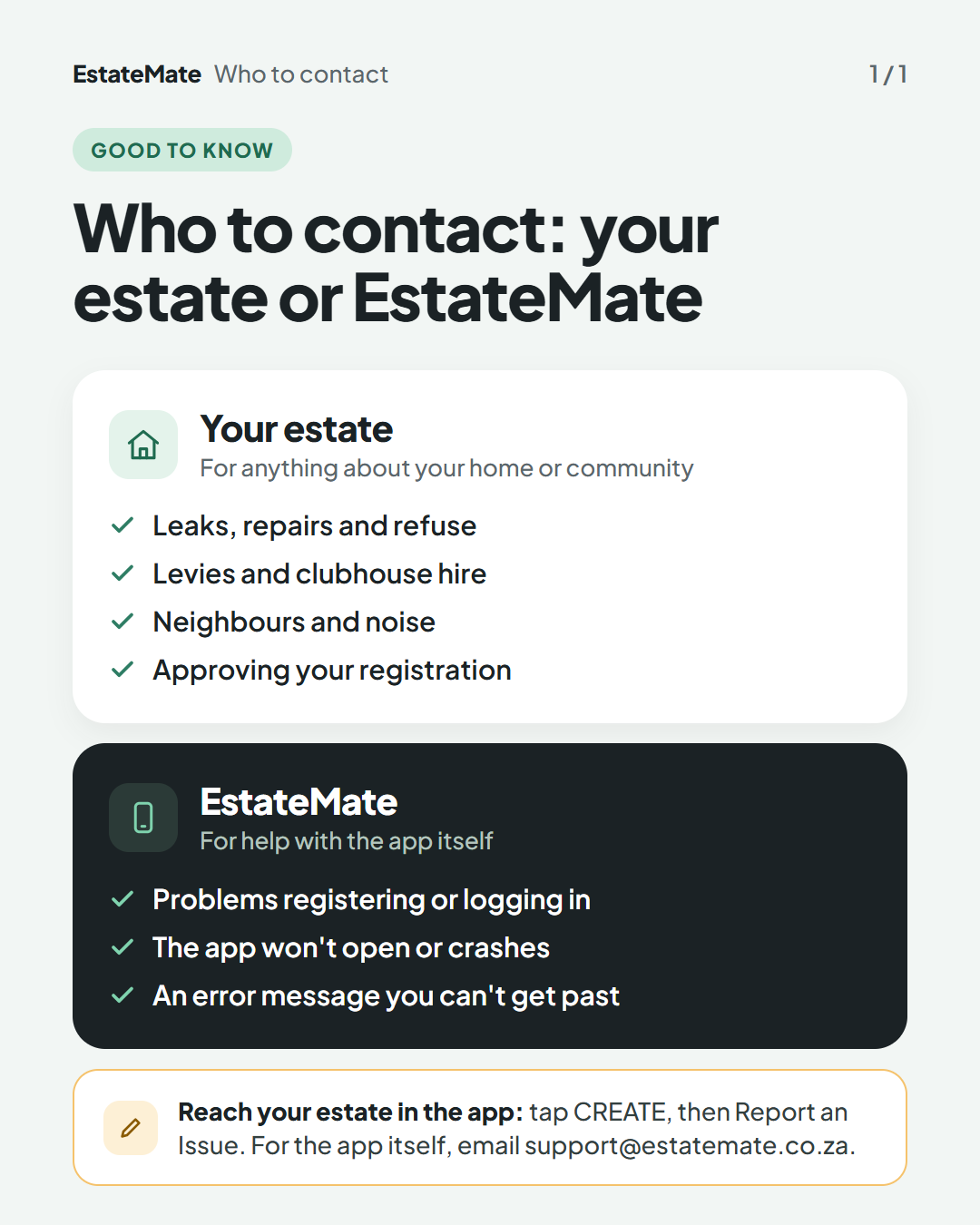
Your estate, for anything about your home or community: leaks, repairs and refuse; levies and clubhouse hire; neighbours and noise; approving your registration.
EstateMate, for help with the app itself: problems registering or logging in; the app won't open or crashes; an error message you can't get past.
Reach your estate in the app: tap CREATE, then Report an Issue. For the app itself, email support@estatemate.co.za.
Contact your estate about your home and community
EstateMate is the app your community uses. EstateMate support is not your estate office. For the matters below, contacting your estate directly is the quickest way to reach the people who can deal with them:
- Leaks, repairs and other maintenance
- Refuse removal
- Levies
- Neighbours and noise
- Clubhouse hire
- Your registration, which your community reviews before you can log in
How to reach your estate in the app
- On your home screen, tap CREATE.
- Tap Report an Issue.
- Pick the subject that fits best, describe the problem and tap Submit.
The subjects you can choose are set by your community. For the full steps, see "Report an issue to estate management".
For security, tap SECURITY on your home screen, then View Phone Numbers. The numbers are set by your community. See "Panic button, alerts and calling security".
Contact EstateMate about the app itself
Email support@estatemate.co.za if:
- You can't register or log in, and the guides "Register and join your community" and "Can't log in, or forgot your password" haven't helped.
- The app won't open, or it crashes.
- You see an error message you can't get past.
Tell us which community you belong to and what you were doing when it went wrong. A screenshot helps.
Not sure which one it is? If it is about your home, your levy or your neighbours, it is your estate. If it is about the app not working, it is EstateMate.
Still stuck?
Send us a request. We’ll know you were reading this guide, so you won’t have to explain where you are.